
Your IP:
Unknown
· Your Status:
Unprotected
To hide your IP address, you need to get the PandaVPN and connect to one of the servers.
Protecting
PandaVPN helps you hide your IP address.
Homepage
Pricing
Download
Blog
Help Center
Sign In
My Account
My Account
Affiliate Promotion
Change Password
Sign Out
English
English
简体中文
English
English
简体中文
Homepage
Pricing
Download
Blog
Help Center
Sign In
My Account
Affiliate Promotion
Change Password
Sign Out
How-to Guides
Articles & News
How-to Guides
Internet Security
Knowledge Base
Online Privacy
SERVICE UPDATES
Streaming
VPN App
Sharon
2026.11.06
How-to Guides
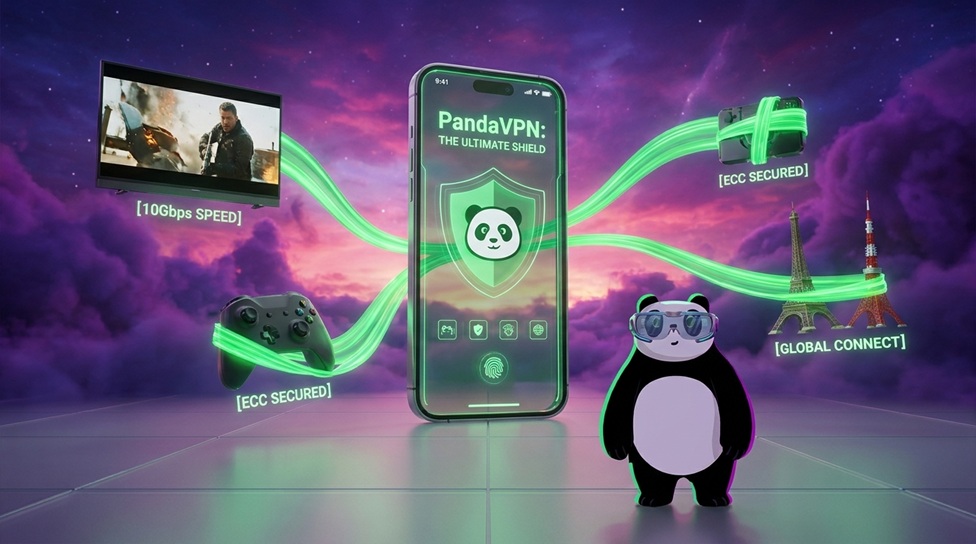
PandaVPN: Ultimate Speed, Security, and Seamless Global Connectivity
In today's connected world, a reliable internet connection needs to offer more than just speed. Whether you're competing in online games, streaming high-definition content, or accessing services across different regions, network stability, …
Spotlight :
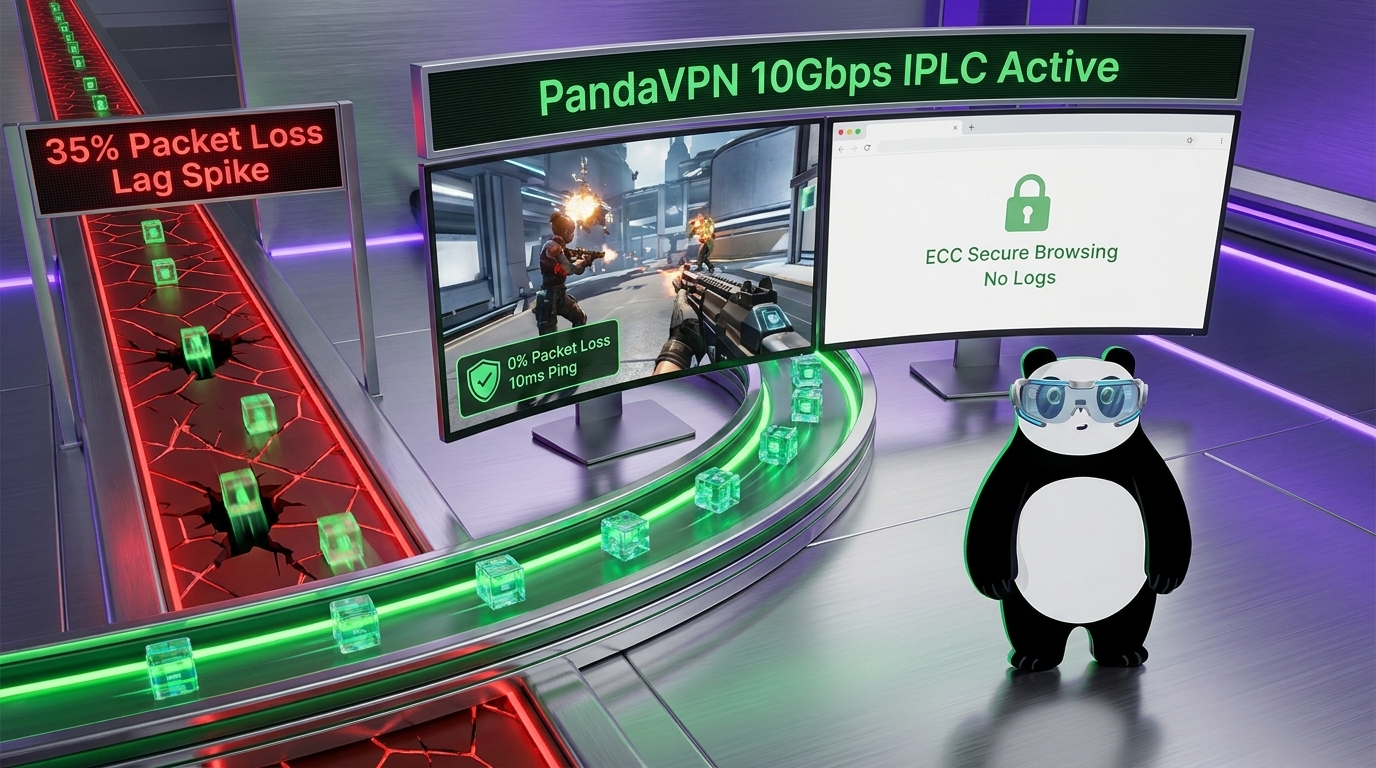
Ultimate Gaming & Secure Browsing: How PandaVPN Helps Reduce Packet Loss and Lag
Sharon 2026.11.04
Level Up Your Play: How PandaVPN Revolutionizes Cross-Region Gaming
Sharon 2026.11.03
Dominate the Battlegrounds: The Ultimate PandaVPN Network Optimization Guide for PUBG Mobile
Sharon 2026.11.02
Say Goodbye to High Ping: How PandaVPN Accelerates Your Global Gaming Experience
Sharon 2026.11.02
Recent Posts
Netflix Blocking VPN? How to Beat the Netflix VPN Ban
The cat-and-mouse game between Netflix and VPN providers won’t end. Why does Netflix block VPNs? How to beat Netflix VPN ban? Read to figure out.…
Tony Bennett
2021.11.04
How-to Guides
What Affects VPN Speed? How to Speed Up your VPN?
Your VPN speed is affected by a bunch of factors. Read the article to know what are they. Also, you can get 5 tips to speed up your VPN connection.…
Tony Bennett
2021.10.18
How-to Guides
« Previous
1
…
16
17
18
/
Blog
/
How-to Guides